


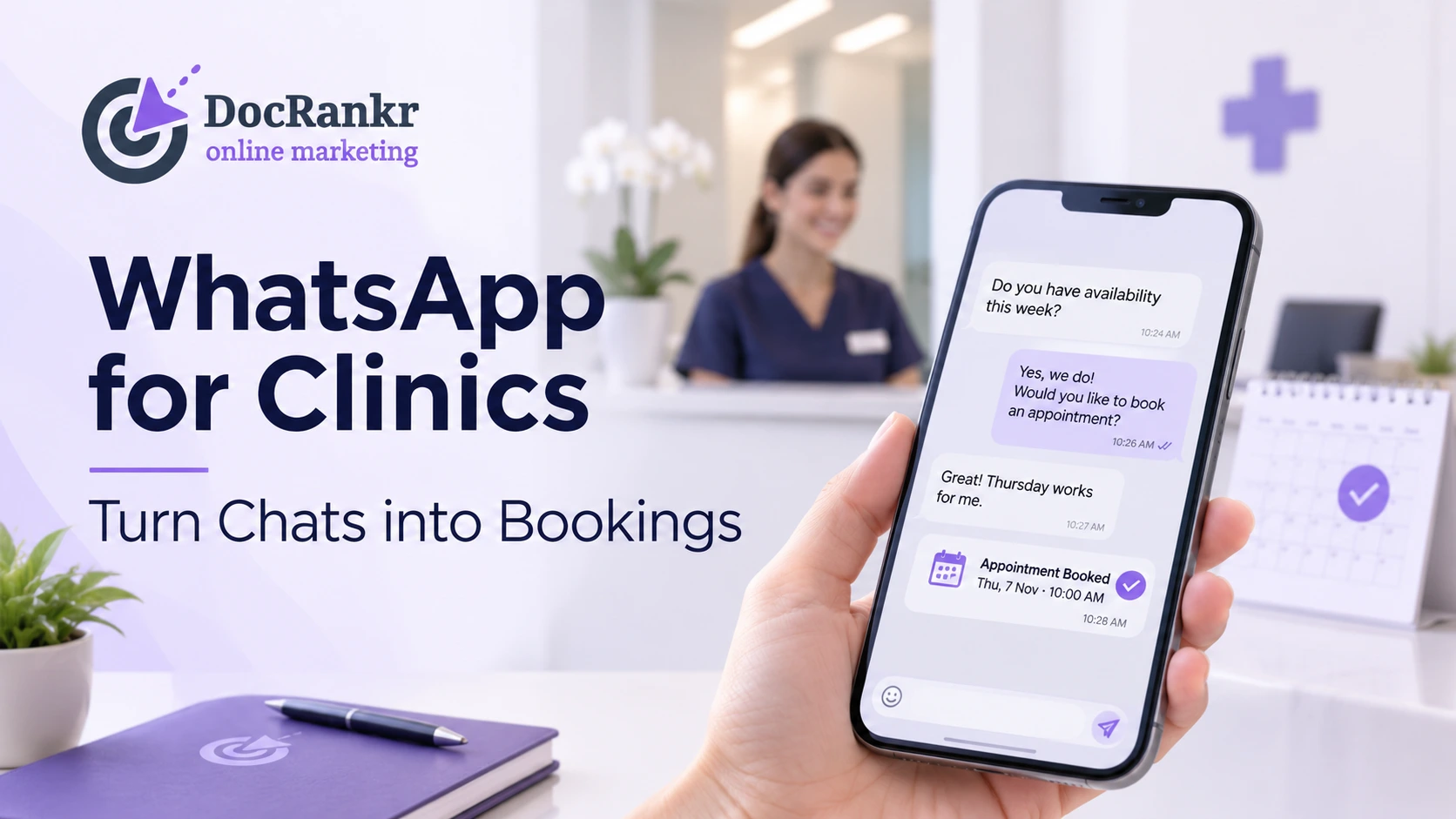
It is 9:40 on a Tuesday night. A mother in Al Nahda notices a rash on her son's arm, finds your clinic on Google and taps the WhatsApp button. "Do you have a paediatric dermatologist tomorrow?" Nobody replies until 10 the next morning. By then she has booked somewhere else, with the clinic that answered in four minutes.
WhatsApp for clinics means using WhatsApp Business to answer patient questions quickly, book appointments, send reminders and follow up after visits. To turn chats into bookings: set up a complete business profile, reply within minutes, use quick replies and a simple booking script, put WhatsApp buttons on your website, Google profile and ads, track every chat as a lead, and keep clinical details and patient data protected under UAE rules.
That is the reality of patient acquisition in the UAE. Patients rarely fill in long forms or wait on hold. They message, and they expect a reply that feels personal and fast. WhatsApp is where most of your future patients already spend their day, and for many clinics it has quietly become the busiest front desk they have.
Yet most clinics treat it as an afterthought: a personal number on a receptionist's phone, slow replies, no tracking and no system. This guide to WhatsApp for clinics shows how to turn it into a reliable booking channel, step by step, based on what we see working for clinics across Dubai, Sharjah and Abu Dhabi.
In the UAE, WhatsApp is the default way people talk to each other, and increasingly to businesses. For a clinic, that changes three things.
A patient who would never call a clinic at 10pm will happily send a WhatsApp message. Every unanswered chat is a patient who was ready to book.
No forms, no hold music, no office hours. A question, an answer and a booking can happen in five minutes on the same screen.
It also fits how patients choose a clinic. They compare a few options quickly, and the clinic that responds first, clearly and kindly usually wins. That makes WhatsApp one of the strongest levers in your whole patient acquisition system.
There are two ways to use WhatsApp professionally, and choosing the right one early saves a lot of pain later.
| WhatsApp Business app | WhatsApp Business Platform | |
|---|---|---|
| Best for | Single clinics with one front desk | Busy clinics, groups and multi branch practices |
| Cost | Free | Free for replies to patients; templates are charged per message |
| Team access | Limited number of linked devices | Many agents in a shared inbox |
| Automation | Greeting, away messages and quick replies | Chatbots, booking flows, CRM and system integrations |
| Reminders | Sent manually | Automated reminders and follow ups using approved templates |
Most single clinics should start with the free WhatsApp Business app and move to the platform once message volume or team size grows. On the platform, Meta charges per template message, while replies inside the 24 hour customer service window are free, according to Meta's pricing documentation.
A complete profile builds trust before the first message. Patients notice when a clinic looks organised.
Setup gets the message in. What happens next decides whether it becomes a patient.
Speed is the single biggest factor. During clinic hours, aim to answer every new chat within five minutes. Assign one person to own the WhatsApp inbox at all times, with a backup for breaks.
Patients want an answer before they commit. Give a clear, honest reply to what they asked, then offer two specific appointment times rather than asking "when would you like to come?"
Ask one or two simple questions, such as which treatment they are interested in and which branch suits them. It helps you book the right doctor and filters out enquiries you cannot help with. We use the same principle in our guide to dermatology ads in Dubai.
Once booked, send a single confirmation with the doctor's name, date, time, location pin, what to bring and how to reschedule. Clear confirmations reduce no shows.
Reply in the language the patient used. An Arabic speaking patient who gets a fluent Arabic reply feels looked after from the first message.
Patient: Hi, how much is laser hair removal for the full legs?
Clinic: Hello and thank you for contacting us. Full leg laser starts from AED [price] per session, and most patients need several sessions depending on skin and hair type. The doctor will confirm your plan at a free consultation. Would Thursday at 5pm or Saturday at 11am suit you?
Patient: Saturday works.
Clinic: Perfect, you are booked with Dr [Name] on Saturday at 11am at our [Area] clinic. Here is our location: [pin]. Please avoid sun exposure for a few days before. Reply here anytime if you need to change the time.
A great WhatsApp process only matters if patients can reach it easily. Add a clear WhatsApp entry point everywhere patients find you.
The clinics that get the most from WhatsApp use it for the whole patient journey, not just the first enquiry.
Never send promotional broadcasts to people who did not opt in. It annoys patients, can get your number restricted under WhatsApp's business rules, and damages trust in your clinic.
Automation saves time, but healthcare conversations need judgement. A good rule: automate the routine, keep people for anything clinical or emotional.
| Automate | Keep human |
|---|---|
| Greeting and out of hours replies | Questions about symptoms or diagnosis |
| Opening hours, location and parking | Treatment suitability and medical advice |
| Price ranges and package information | Complaints and unhappy patients |
| Appointment reminders and confirmations | Anxious patients and sensitive topics |
| Collecting name, treatment and preferred time | Anything involving test results or records |
If you use a chatbot, make it obvious how to reach a person, and never let it give medical advice. AI tools can also help draft quick replies faster; our guide to AI SEO for clinics covers how to use AI safely in healthcare marketing.
WhatsApp is convenient, but health information is among the most sensitive data a clinic handles. The UAE's data protection laws and the rules on health data mean you need clear limits.
If you cannot see how many patients WhatsApp brings, you cannot improve it. Track these every month:
These numbers show whether you need more chats, better replies or faster follow up, and they connect WhatsApp to the rest of your clinic marketing.
| Mistake | What to do instead |
|---|---|
| Slow replies, often hours later | One owner for the inbox and a five minute target |
| Personal numbers on staff phones | A clinic owned WhatsApp Business account |
| Price only answers with no next step | Answer, then offer two appointment times |
| Broadcasts to everyone in the contacts | Only message patients who opted in |
| Detailed medical discussions in chat | Keep chat for booking; move clinical details to secure systems |
| No tracking | Track clicks, sources and chat to booking rate |
WhatsApp for clinics is not just another channel in the UAE. For many patients it is the front door. Clinics that answer fast, guide every chat toward a booking, protect patient privacy and measure the results turn WhatsApp into one of their most reliable sources of new patients.
Start simple: a complete business profile, quick replies for your top ten questions, one person who owns the inbox, and a WhatsApp button everywhere patients find you. Then build reminders, follow ups and automation on top.


Explore Docrankr quick links for essential healthcare marketing insights, services, resources, and tools designed to help clinics grow digitally.
© Copyright 2023 By Docrankr.ae
Error: Contact form not found.